Your own profile (Your Persona)
Your Persona describes you as a person, separately from the practice's own persona. Practiceful's AI-assisted writing uses it alongside the practice's persona, so what is written on your behalf sounds like you. This page is for providers and managers.
Before you start
You are signed in as a provider or a manager. Clients do not have a persona.
Start your persona
- Open the account menu at the top right of the screen (it shows your first name and your practice's name) and press Your Persona. The persona wizard opens. The rail down the side shows its steps: Describe yourself, Answer a few questions and Starter Image.
-
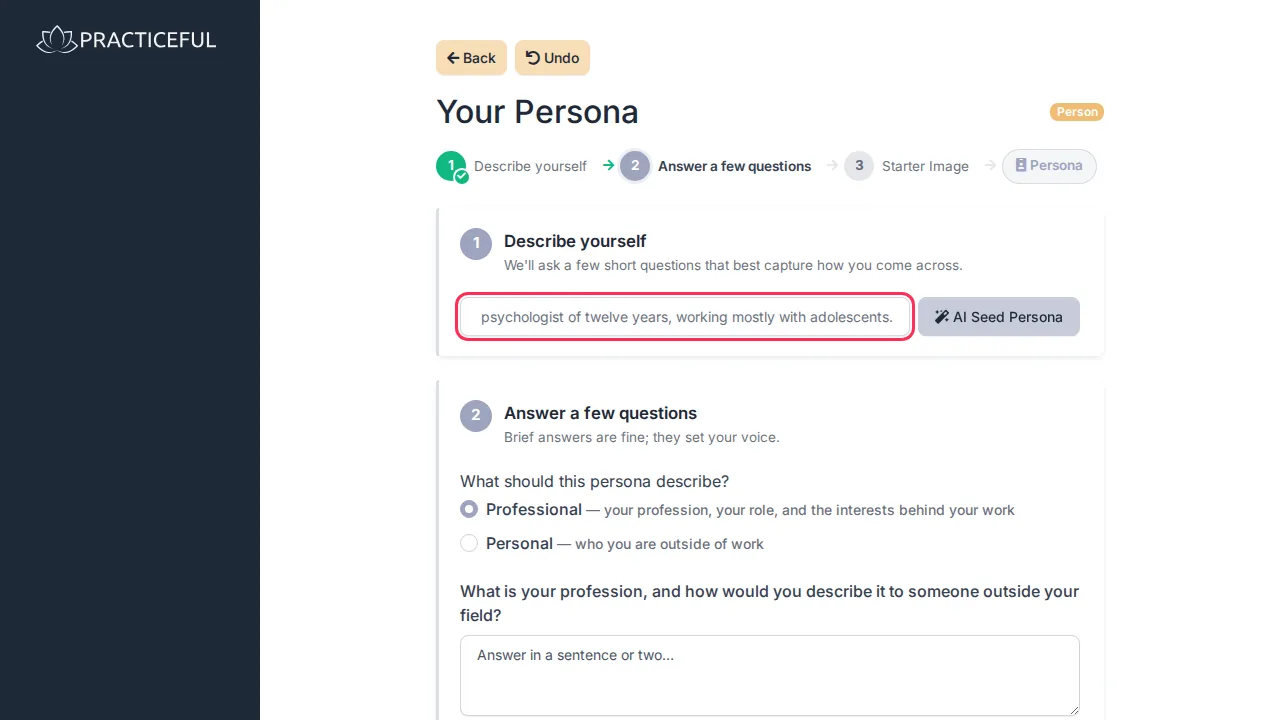
In One line about you, describe yourself in a sentence — for example A clinical psychologist of twelve years, working mostly with adolescents.
-
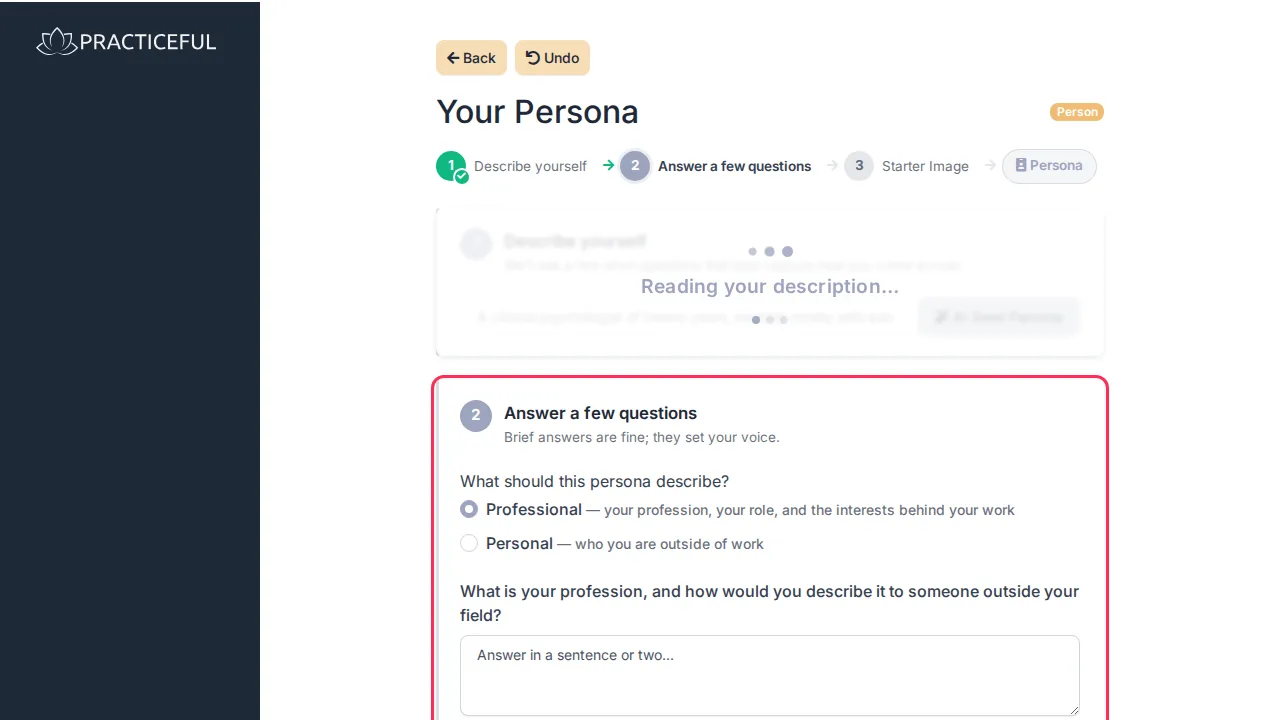
Press AI Seed Persona. The AI reads your line and opens a few short questions that best capture how you come across.
-
Answer the questions. Brief answers are fine; they set your voice. Under What should this persona describe? you can choose Professional (your profession, your role, and the interests behind your work) or Personal (who you are outside of work). Switching keeps the answers you have already given.
Finish it
The rest of the wizard is shared with the practice's persona, and Practice persona describes it in full. In short:
- Starter Image is the picture your landing and profile pages will use; you can upload reference photos for it.
- Generate Persona writes your persona from your answers, as You, in your own voice. You can edit the wording directly, or press Improve Persona and tell the AI what to change.
- Your work is saved as you go; the wizard shows Auto Saved. Undo asks you to confirm, then returns the persona to how it was when you opened the page.