Custom domain
By default your practice is reached at an address ending in practiceful.com. A custom
domain lets you use your own, such as mypractice.com. This page is for practice
managers: you will request the domain, add two DNS records at your domain provider, and
confirm it is working.
Before you start
- You are signed in as a practice manager.
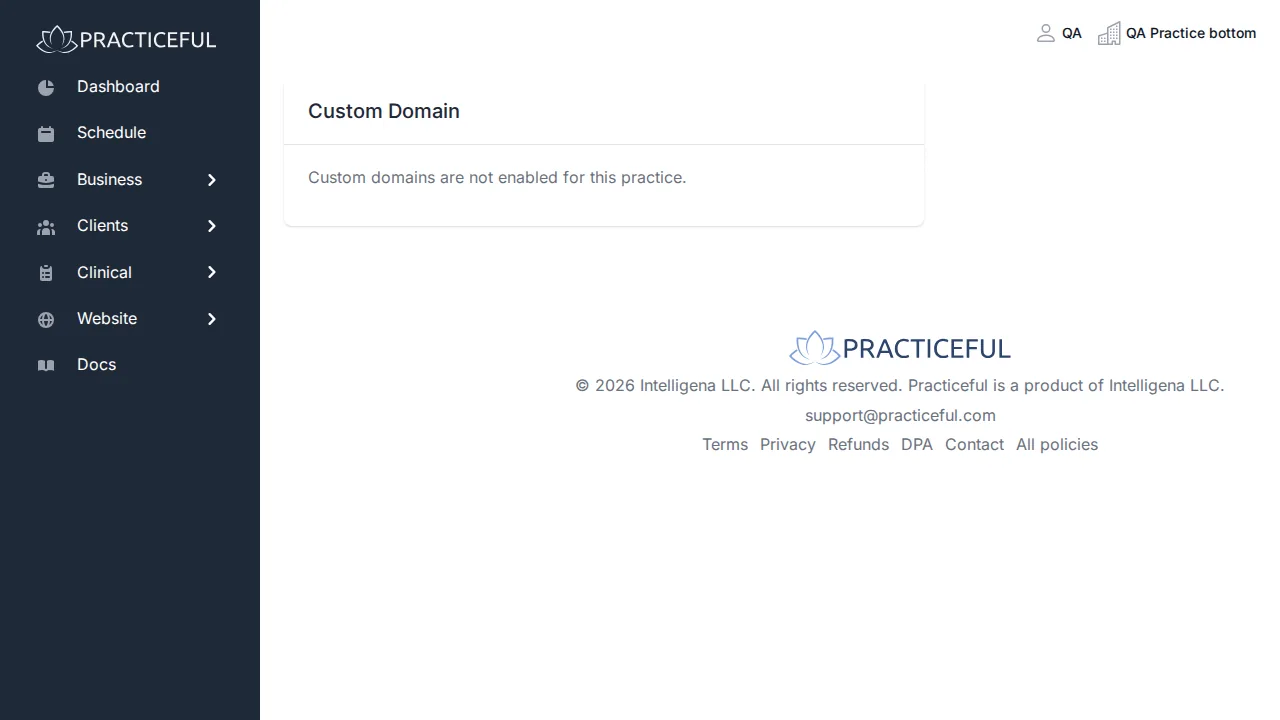
- Custom domains must be enabled for your practice. If they are not, the screen says Custom domains are not enabled for this practice.
- You can change the DNS records for the domain you want to use, at whoever you bought it from.
Open the Custom Domain screen
Open the account menu (your name at the top of the screen) and choose Custom Domain. The screen shows where your practice currently stands: the request form, a domain being verified, a verified domain, or a failed attempt.
Request your domain
- In Your domain, type the domain, for example
mypractice.com. -
Press Request domain.
-
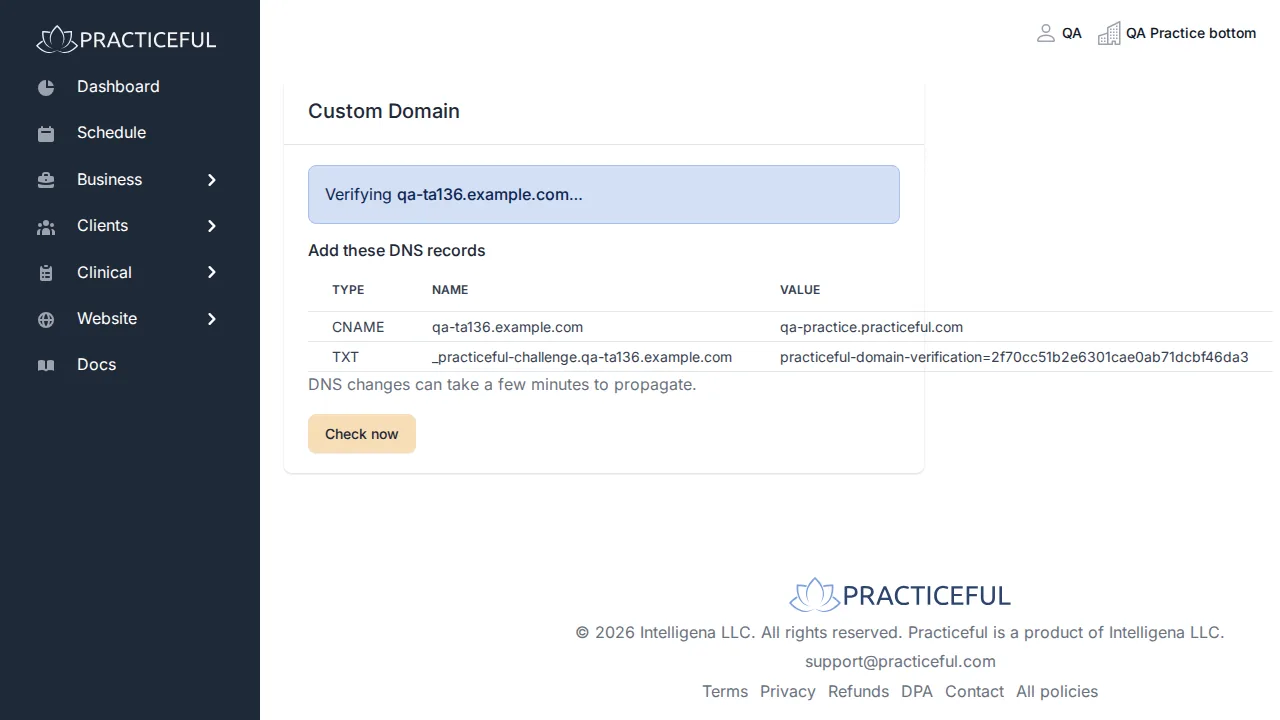
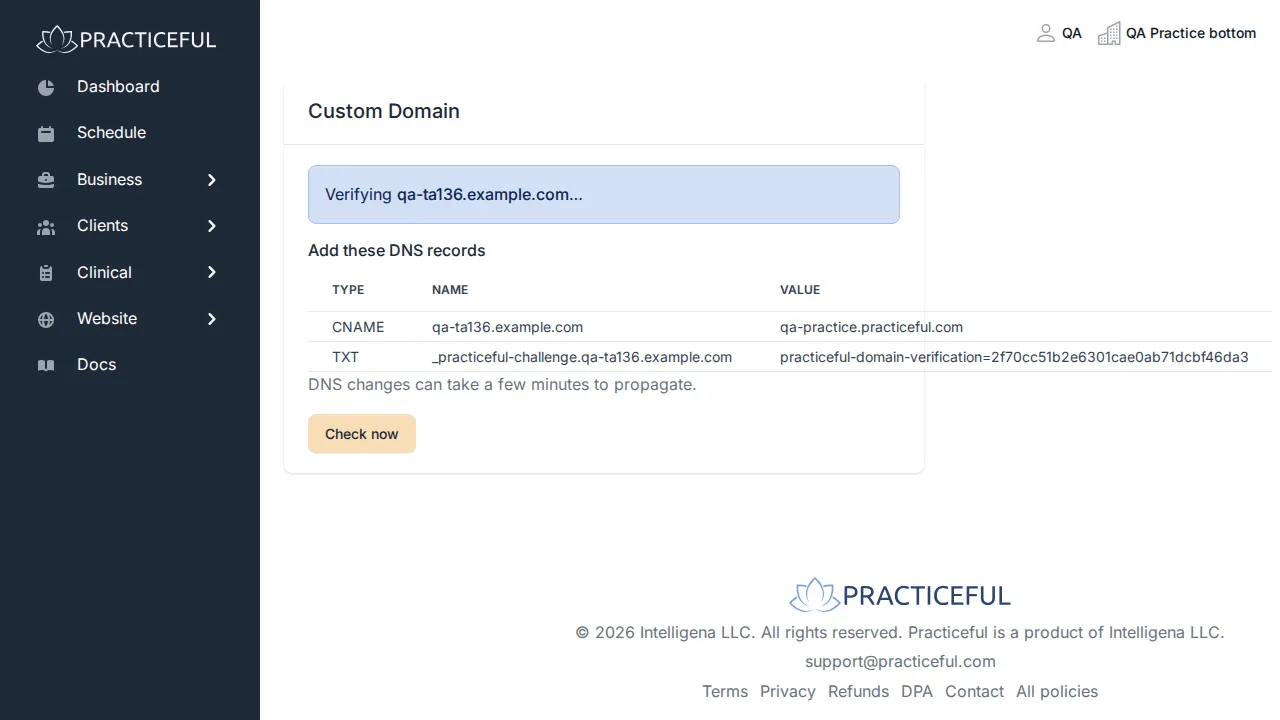
The screen now says Verifying [your domain]… and lists the records to add under Add these DNS records:
- a CNAME record for your domain, pointing at the value shown
- a TXT record with the name and value shown
-
Add both records at your domain provider, exactly as shown. These values belong to your practice alone.
DNS changes can take a few minutes to propagate.
Check whether it is verified
- Return to Custom Domain and press Check now.
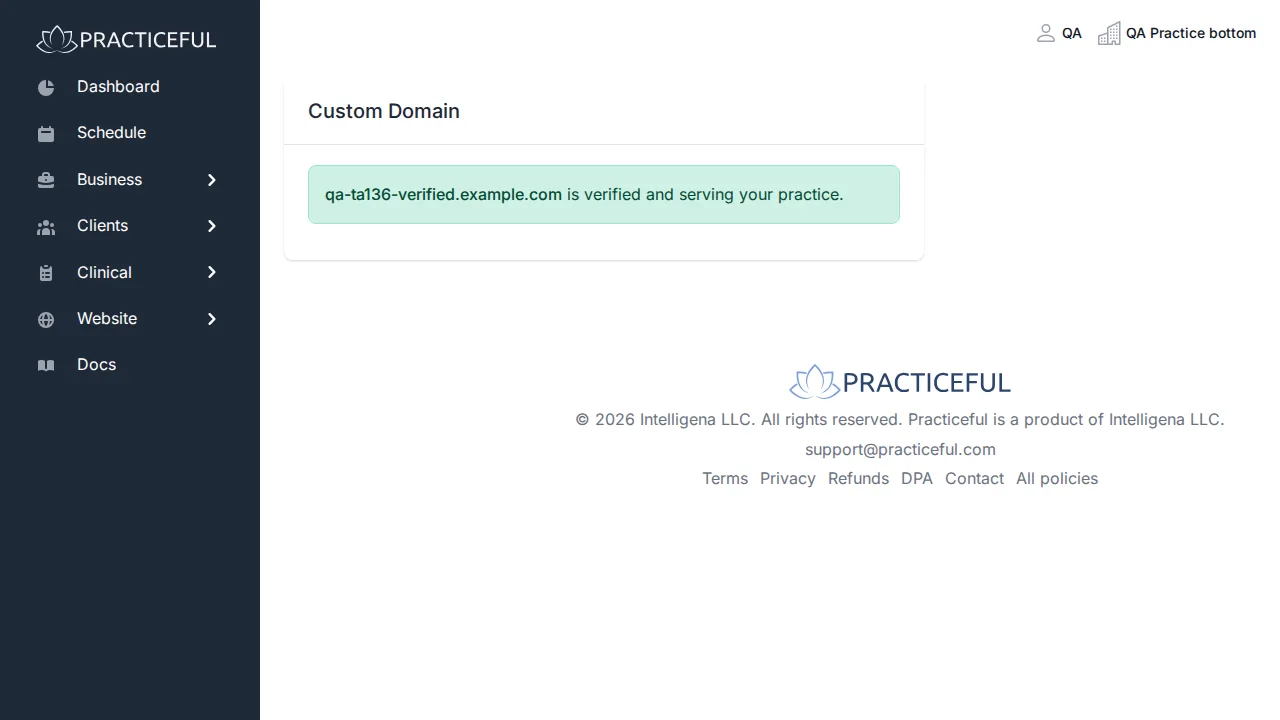
- When the records are found, the screen says [your domain] is verified and serving your practice.
If verification fails
If the check does not find the records, the screen says Verification of [your domain] failed. and names the specific problem underneath, such as a missing record.
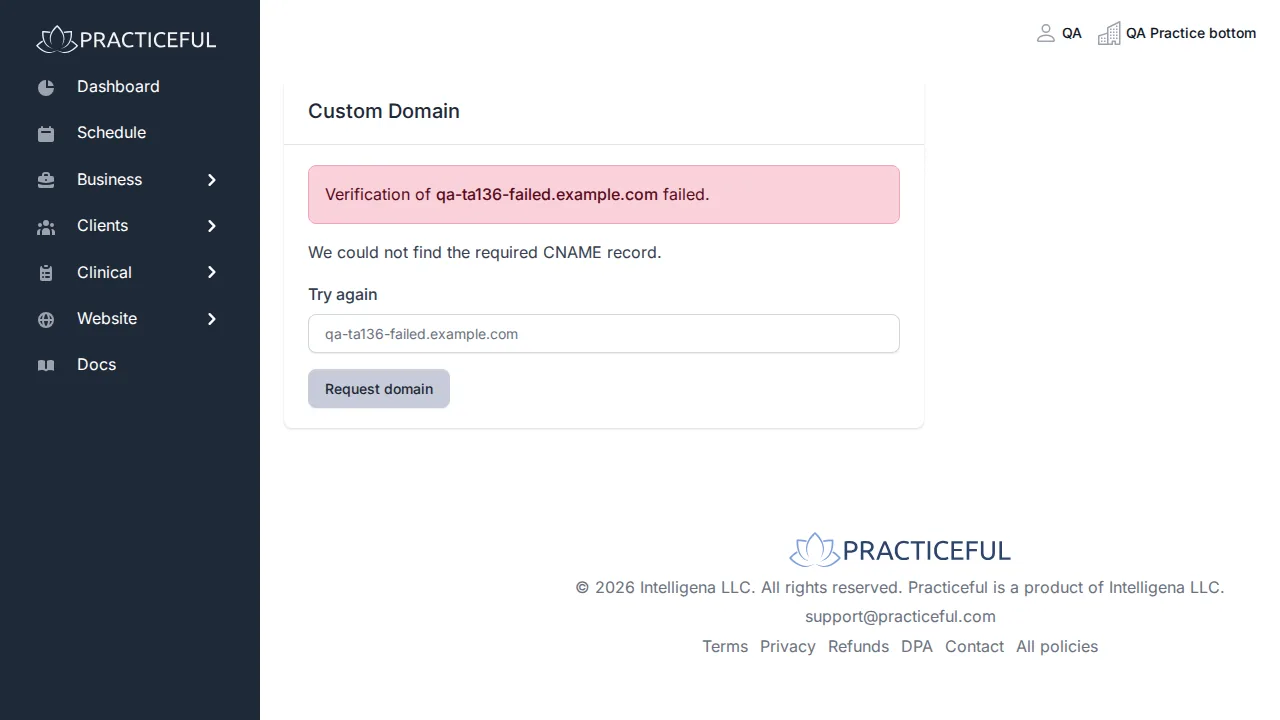
Fix the record it names at your domain provider. Then, under Try again, check the domain and press Request domain to start again.
If something goes wrong
| You see | What it means | What to do |
|---|---|---|
| Custom domains are not enabled for this practice. | Your practice cannot use a custom domain | Contact support. |
| Enter a domain. | The box was empty | Type your domain and press Request domain again. |
| "[text]" does not look like a valid domain. | What you typed is not a domain name | Check the spelling, for example mypractice.com. What you typed is kept in the box. |
| That domain belongs to the platform and cannot be claimed. | You entered a Practiceful address | Enter a domain you own. |
| Verification of [your domain] failed. | The DNS records were not found or were wrong | Fix the record named on screen, then request the domain again. |
Related
- Your practice website — the site your domain serves
- Practice settings — the practice's details